Retail inventory system
Retail inventory system with product and stock visibility for store teams.
RetailGrid keeps product setup, categories, brands, suppliers, units, tax rates, stock status, inventory movement, and sales activity close to the POS workflow.
What retailers need
Keep inventory understandable at the store level.
A focused POS product should help staff find products, identify stock pressure, maintain product groupings, and understand what is selling without needing a broader ERP workflow on day one.
View all featuresProduct records
Names, prices, SKU or barcode context, categories, brands, and sellable product setup.
Low-stock signals
Surface out-of-stock and low-stock states where store teams are already working.
Categories and brands
Keep common product groupings close to search, filters, product setup, and reporting.
Movement context
Connect goods-in, store transfers, sales, and transaction history to a clearer view of stock movement.
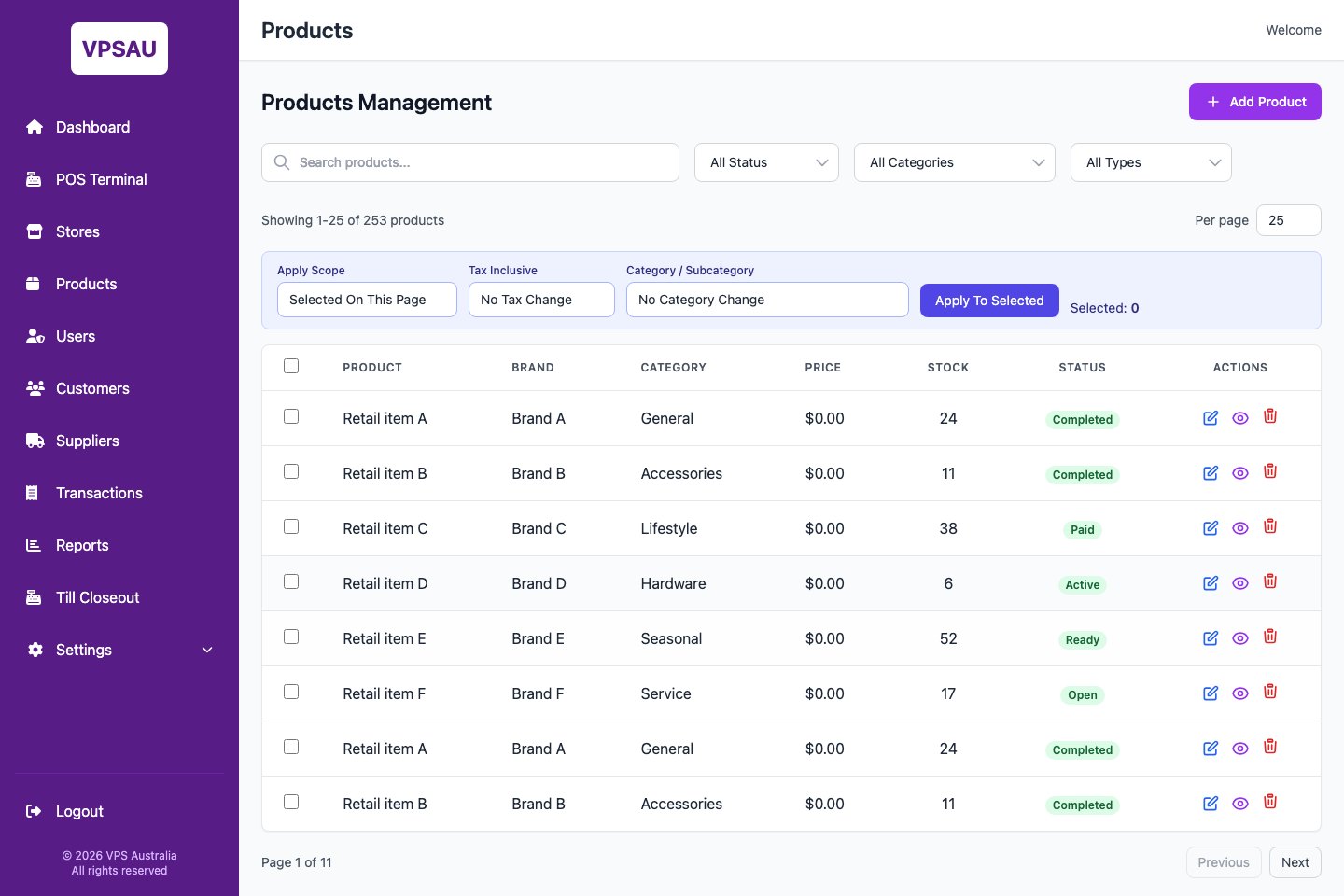
Product admin workspace
Product and stock controls are visible in the admin portal.
RetailGrid gives managers a focused product maintenance surface for search, filtering, category controls, stock values, status, and product actions without making the store team step into a broader ERP workflow.
Store workflow
Inventory management that stays close to sales.
Find products quickly
Search, category, brand, and product visibility support sales at the counter and maintenance after hours.
Watch what is selling
Transaction and report views help store teams understand product performance.
Keep controls simple
Settings for categories, brands, tax rates, payment methods, and units stay practical and visible.
Stock fit
Need store-level stock without an ERP rollout?
Tell us how products, stores, suppliers, and stock are managed today so the demo can focus on the right workflow.