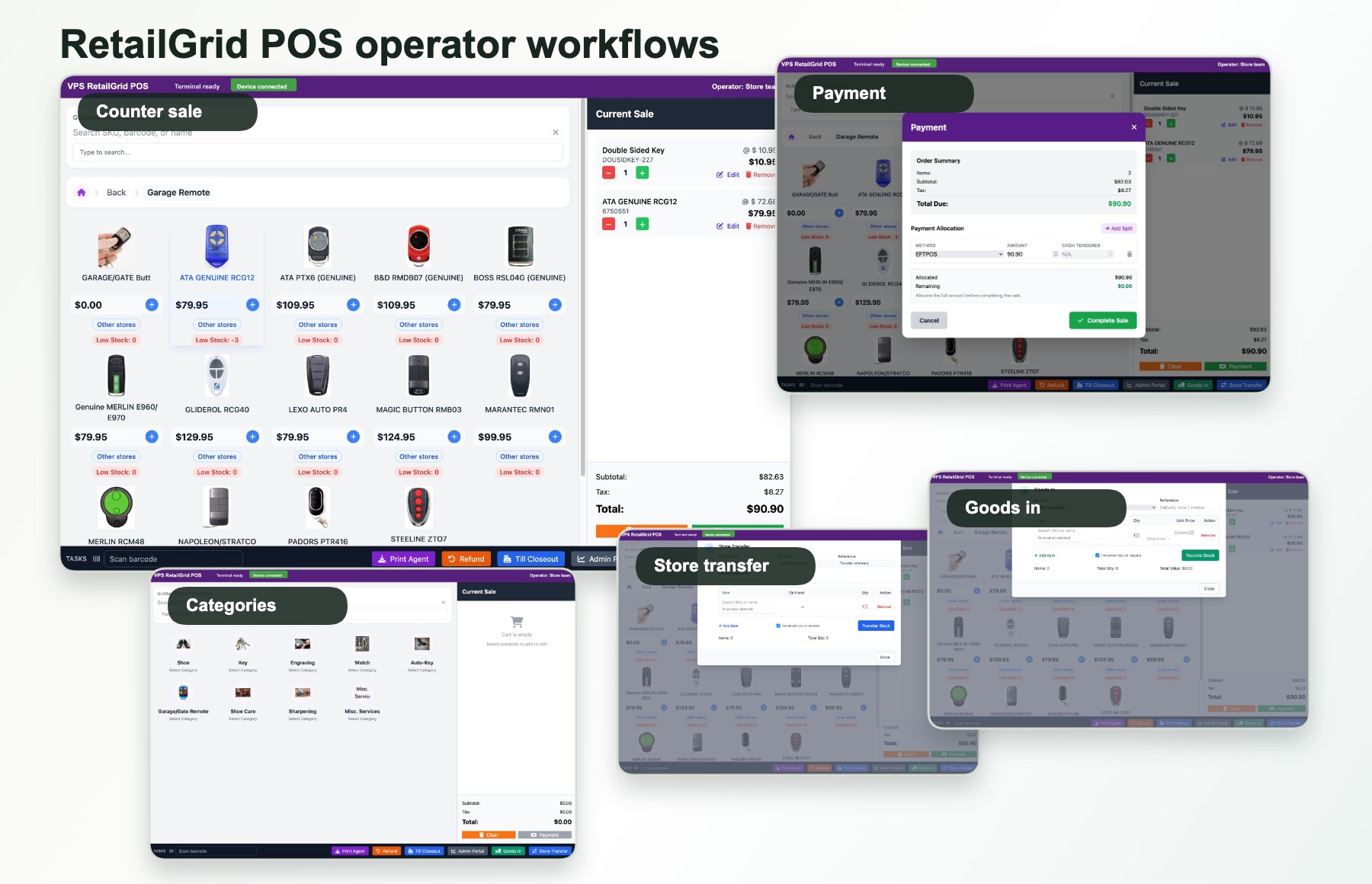
Multi-store POS
Keep stores connected without turning POS into a full ERP rollout.
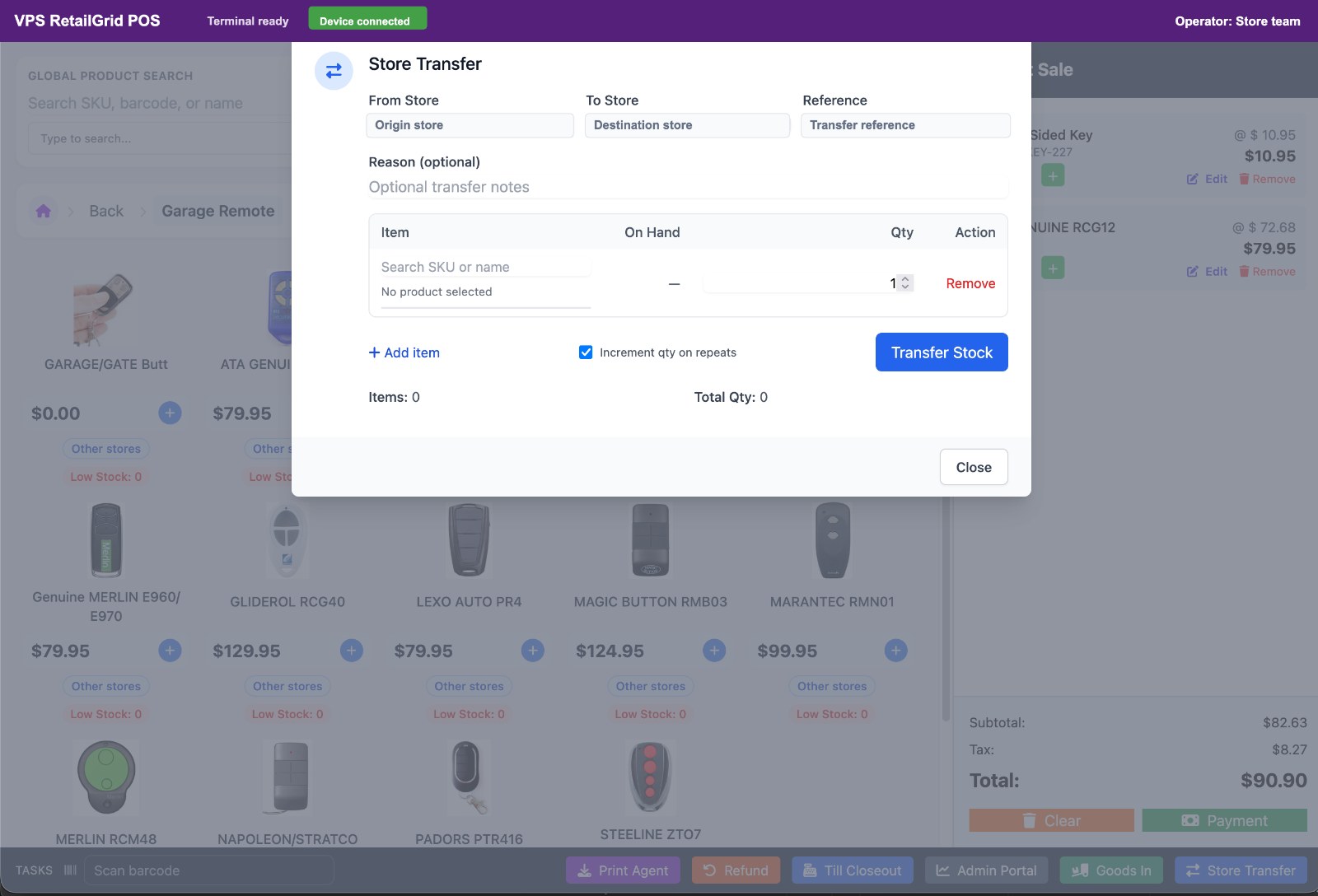
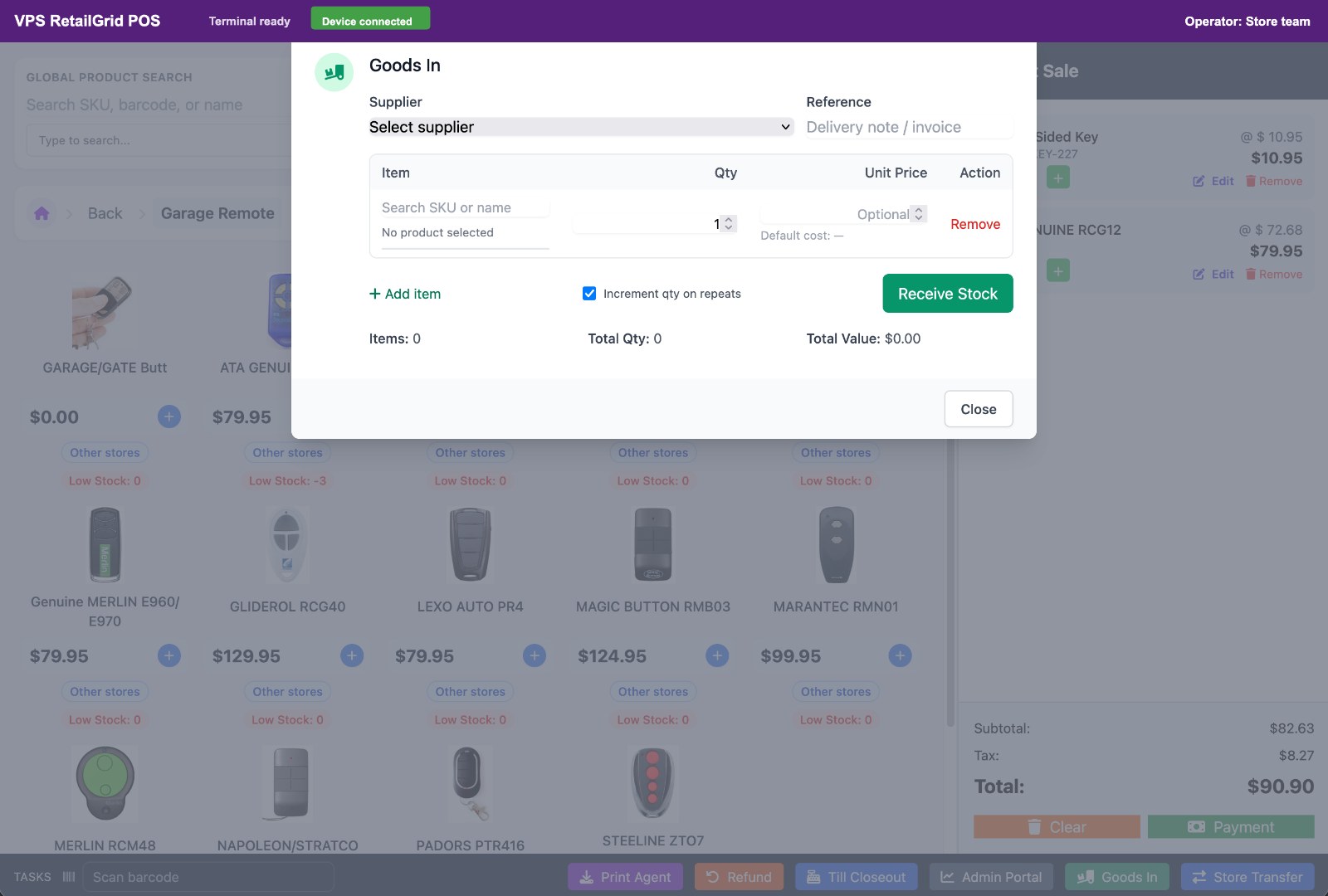
RetailGrid gives owners and operators a way to manage store-level POS, terminals, staff access, products, sales, and reporting across one or more locations.
Store control model
Tenant
A tenant realm and schema boundary for the business or retail group.
Stores
Store records, codes, status, locations, and operating context.
Terminals
POS terminals and pairing flows for controlled register access.
Operators
Users, PINs, roles, and permissions for daily retail work.
Why it matters
Growth creates store-level friction fast.
A single store can run on habit. A second or third store needs clearer controls: who can sell, which terminal is active, what stock is visible, how transactions are attributed, and what the owner can see without asking each site.
Store-specific sales context
Keep transactions tied to the store, operator, terminal, and payment status where practical.
Practical head-office visibility
Give owners a single place to inspect stores, sales, products, customers, and reports.
Repeatable tenant onboarding
Keep Keycloak, schema, module, and store setup aligned for multi-tenant POS deployments.
POS flow
From operator login to transaction history.
1
Operator login
Staff enter with a controlled operator flow before starting POS work.
2
Cart and checkout
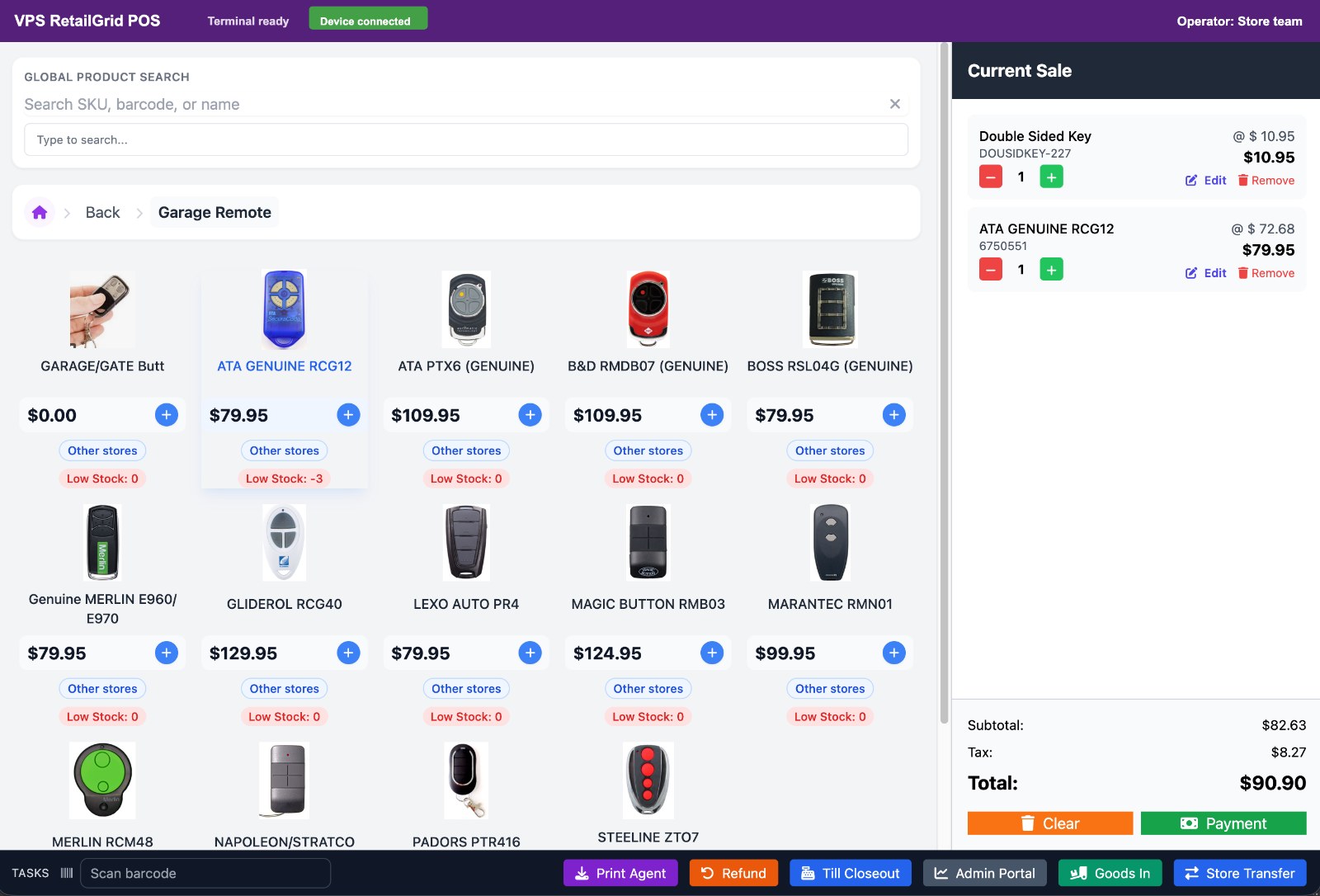
Products move into the cart and complete through the store payment flow.
3
Receipt and closeout
Receipts, till activity, and closeout keep daily counter work accountable.
4
Reporting
Managers review transactions, stores, products, and sales trends.
Store network fit
Planning stores, terminals, and tenants?
Use the demo form to describe the number of stores, current POS system, and whether the rollout is for one retailer or a tenant network.